How to Generate Free Invoice: A Complete Guide for Freelancers & SMBs
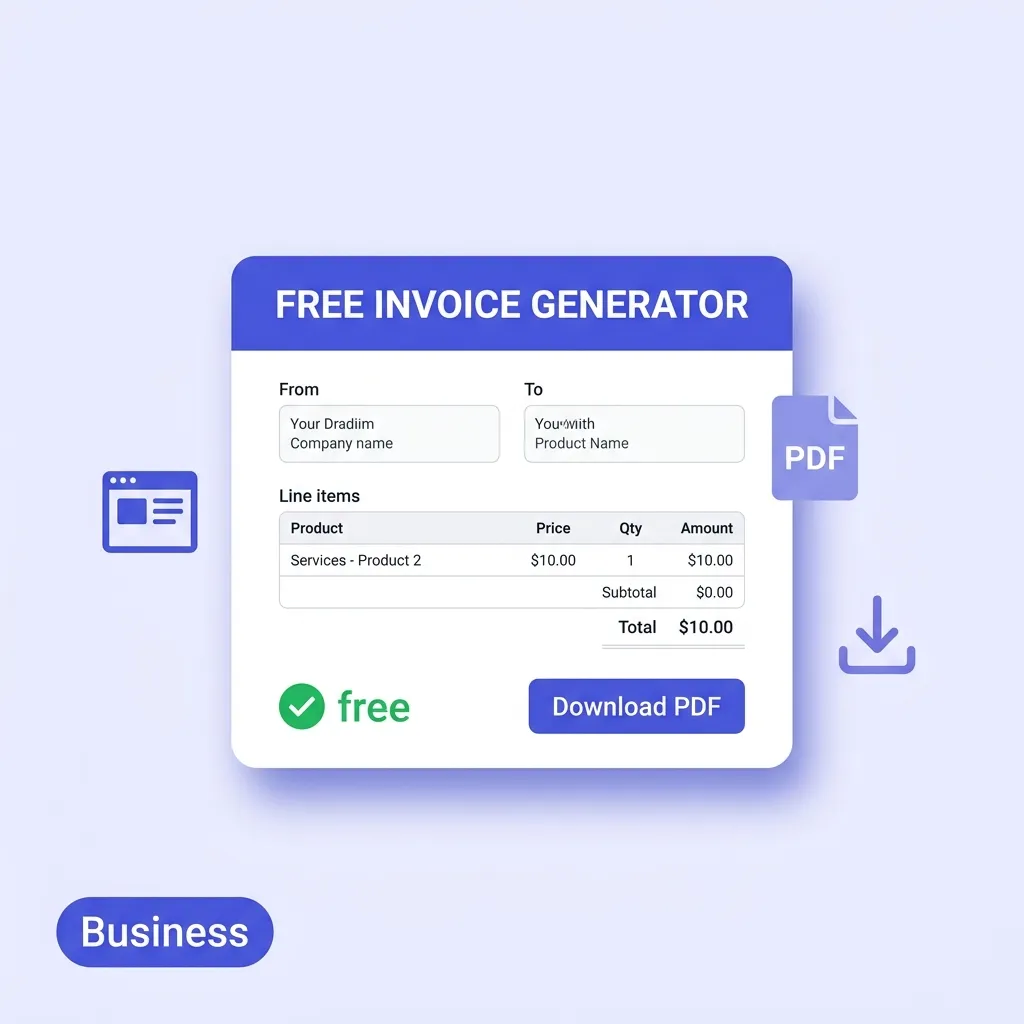
Generate professional, branded PDF invoices online for free in seconds. No account or subscription needed—calculate totals and download instantly.
BT
Bizcalc Team
·March 26, 2026
Quick Answer & Key Summary
Quick Answer: Generating a free professional invoice online lets freelancers and small business owners build, calculate, and download clean, branded PDF invoices in seconds without subscriptions or client management software bloat.
• Key Formula / Standard:Invoice Structure: Header (Branding & Contact) + Bill-To + Invoice # & Dates + Itemized Table + Payment Terms • Rule of Thumb / Benchmark: Invoices created with structured line items and clear Net 14 terms are settled 33% faster than generic email invoices.
Getting paid is the most fundamental part of running any business. Yet for millions of freelancers and small business owners, the invoicing process remains one of the most time-consuming, error-prone, and anxiety-filled parts of the job — usually because the tools being used are simply not up to the task.
If you are relying on a Word document template or an Excel spreadsheet to bill your clients, you are almost certainly leaving money on the table. Not because your prices are wrong, but because slow, unprofessional invoices get paid later — and sometimes not at all.
This guide covers everything: how to generate free invoice documents that look professional and command prompt payment, what the best free invoice generator must include, what every legally sound invoice must contain, and the strategies that top freelancers and SMBs use to get paid faster.
Table of Contents
Why Professional Invoicing Directly Impacts Your Cash Flow
An invoice is not just a request for money. It is a legal document, a brand touchpoint, a payment instruction, and a transaction record — all at once. The quality of that document affects how quickly your client prioritises their accounts payable queue.
Consider the psychology of invoices from the buyer's perspective. When an invoice arrives as a neat, branded, clearly structured PDF with an itemised breakdown and an unambiguous due date, payment feels like a simple administrative task. When an invoice arrives as a poorly formatted Word document with misaligned columns, a manually calculated total, and vague payment instructions, it requires effort to process — and gets deprioritised.
Research by payment platform FreshBooks found that invoices that include a direct payment link are paid more than twice as fast as those without. Invoices sent within 48 hours of completing work are paid significantly faster than those sent later. Professional presentation and frictionless payment options are the two biggest levers on invoice payment speed — and both are entirely within your control.
The Hidden Cost of DIY Invoice Templates
Most freelancers and small business owners start their invoicing life with one of three approaches:
Microsoft Word templates. Downloaded from a free template site, customised once, and then manually edited for every invoice. Prone to formatting issues whenever the content changes length. Logo placement breaks after a few edits. Not linked to any client database, so every address is retyped from memory.
Excel or Google Sheets. Slightly better for calculations, but formula integrity degrades over time as the file is modified. One accidental deletion of a SUM cell creates silent calculation errors. Documents are harder to turn into clean PDFs. Version control is a constant problem.
Manual invoicing through email. Describing the charges in the body of an email rather than a structured document. No formal invoice number. No legal standing. Impossible to audit.
All three approaches share the same core problem: they are friction-heavy, time-consuming, and produce results that do not reflect the professionalism of your actual work. The solution — a dedicated free invoice generator — eliminates all of this friction without costing anything.
🧾
Free Invoice Generator
Professional, branded invoices with QR code payments, deposit tracking, and instant PDF. No account required, no watermarks.
If you search for an invoice generator online, you will find hundreds of options. Many of them are "free" in name only: they watermark your documents, require you to create an account, hide essential features behind a paywall, or quietly upload your financial data to their servers.
What is the best free invoice generator? It is the one that gives you every feature you actually need, with no catches. Here is the definitive checklist:
No Sign-Up Required
The first filter is whether the tool requires registration. Creating an account means giving away your email, agreeing to a terms of service, and starting a relationship with a platform that may start charging you later. A genuinely free generator opens in your browser and works immediately, with no login barrier between you and your invoice.
Watermark-Free PDF Output
Any tool that stamps its own branding on your invoice document is not truly free — it is using your client relationships to advertise its product. A professional invoice should carry only your brand. Every PDF your clients receive should look like it came from your business alone.
Completely Client-Side Processing
The best generators process everything locally in your browser using JavaScript. Your company details, your client list, your pricing, your invoice history — none of this ever leaves your device. It is stored in your browser's local storage or IndexedDB and accessible only to you. This is the gold standard for privacy, and it is what our Free Invoice Generator delivers.
Persistent Data Between Sessions
You should not have to re-enter your business name, address, and logo every time you open the generator. The best tools save your business profile locally so that when you return for your next invoice, everything is pre-populated. Only the client details, line items, and invoice-specific fields need updating.
Auto-Calculating Totals
Arithmetic errors on an invoice are embarrassing and can undermine client trust. Every quantity, rate, subtotal, tax, discount, and total should recalculate automatically as you type. No formulas to maintain. No risk of a mis-keyed number producing an incorrect total that you only discover after the client points it out.
Brand Customisation
Your invoice is a brand document. The ability to upload your logo, select a brand colour that applies to table headers and document accents, and choose a currency from a global list (USD, EUR, GBP, NGN, INR, AED, and more) ensures the output looks specifically like yours — not a generic template that every other user of the tool produces.
QR Code Payment Integration
One of the most underrated features of a modern invoice generator is the ability to embed a payment QR code. When you add a payment link — your PayPal.me URL, Stripe payment page, bank transfer portal, or any other payment endpoint — the generator automatically creates a scannable QR code that appears in the PDF footer. Clients on mobile can open their camera, scan the code, and pay instantly. This single feature can meaningfully reduce your average days-to-payment.
Deposit Tracking
For project-based work, many clients pay a deposit upfront before work begins. A professional invoice should be able to show the total amount, the deposit already paid, and the remaining balance due — clearly and without any manual calculation. This eliminates the most common dispute in freelance billing: "But I already paid you half."
Watermark / Status Overlay
Being able to stamp "PAID", "DRAFT", or "VOID" across the face of an invoice is a simple but important feature. A PAID watermark helps both you and your client immediately identify the document status when retrieving old invoices. DRAFT prevents a work-in-progress invoice from being accidentally treated as a real payment request.
What Every Invoice Must Legally Include
Before we look at the step-by-step process, it is worth understanding what a compliant invoice must contain. Requirements vary by jurisdiction, but the following elements are standard across virtually every country's invoicing regulations:
The Word "INVOICE"
The document must be clearly labelled as an invoice. This sounds obvious, but many DIY templates label documents as "Receipt" or "Bill" interchangeably — which creates legal ambiguity.
A Unique Invoice Number
Every invoice needs a sequential, unique identifier — typically formatted as INV-001, INV-002, and so on. This is what your client's accounts payable team uses to record and track the payment in their system. Gaps in invoice numbering (e.g. jumping from INV-007 to INV-009) can raise flags during tax audits, so sequential auto-incrementing is important.
Invoice Date and Due Date
The invoice date is when the document was issued. The due date is when payment is required. Without a due date, "net 30" or "within 30 days" is ambiguous — clients may interpret it differently. Always state the exact calendar date by which payment is expected.
Complete Business and Client Details
Your legal business name (not just a trading name), your address, and your contact details. The same for your client. For VAT-registered businesses in the UK and EU, your VAT number must also appear on invoices over certain thresholds.
Itemised Line Items
A breakdown of every product or service being billed, with:
Description (specific and detailed — not just "services rendered")
Quantity
Unit of measure where applicable
Unit rate
Line total
Itemisation protects you from disputes and helps clients reconcile the invoice against what was agreed in your quote or sales order.
Subtotal, Tax, and Total Amount Due
The subtotal before tax, the tax amount and rate separately, and the final total. For VAT-registered businesses, the tax amount must be shown separately and clearly labelled.
Payment Terms and Instructions
How you want to be paid (bank transfer, card, PayPal, Stripe) and the exact account details or payment link. Payment terms (Net 15, Net 30, Due on Receipt) and any late payment fee policy.
How to Generate an Invoice for Free — Full Step-by-Step Guide
Here is the complete process for using our free invoice generator to produce a professional, compliant invoice in under five minutes.
🧾
Free Invoice Generator
Auto-numbered, branded invoices with QR payment codes, deposit tracking, and one-click PDF download.
Open the document settings sidebar. This is a one-time setup:
Upload your logo — PNG or JPG; appears in the top-left of every invoice
Select your brand colour — applies to table headers, the total row, and document accents
Choose your currency — from 17 options including major and regional currencies
Enter your business details — company name, email, and address
These are saved locally. Your next invoice will pre-populate all of this automatically.
Step 2: Enter Client Details
In the "Bill To" section, enter the client's name or company name, their email address, and their billing address. If you have billed this client before, their details are saved in your local address book — start typing their name and the fields will auto-populate.
Step 3: Set Invoice Reference Details
Fill in the document header:
Invoice Number — auto-increments from your last invoice (e.g. INV-042, INV-043). Override if needed
Invoice Date — defaults to today
Due Date — set the payment deadline (commonly 14 or 30 days from issue date)
Deposit Paid — if the client paid a deposit, enter the amount here. The invoice will automatically show Total, Deposit Paid, and Balance Due
Step 4: Add Your Payment Link (for QR Code)
Paste your payment portal URL — PayPal.me, Stripe, GoCardless, bank payment link, or any URL — into the Payment Link field. A QR code is automatically generated and embedded in the PDF footer. Remove the link if you prefer bank transfer details in the notes section instead.
Step 5: Itemise Your Products or Services
Click "+ New Line Item" for each thing you are billing. For each row:
Write a clear, specific description. "Brand Identity Design — logo, colour palette, typography system" rather than "Design work"
Enter the quantity (hours, days, units, sessions)
Choose the unit of measure or hide the unit column for flat-rate services
Enter the unit rate
Totals calculate automatically.
Step 6: Apply Tax, Discount, and Other Adjustments
Toggle the optional fields below the items table:
Tax — enter your VAT, GST, or sales tax rate as a percentage or fixed amount
Discount — apply an overall discount as a percentage or fixed figure
Shipping — add delivery or courier costs if applicable
Step 7: Add Notes, Terms, and Watermark
In the footer area:
Notes — a friendly message ("Thank you for your business!"), bank transfer details, or any contextual information
Terms — your payment terms, late fee policy, or references to your service agreement
Watermark — set to "DRAFT" while working, "PAID" once settled; leave blank for a live invoice
Step 8: Download and Send
Click "Download PDF" to save your completed invoice as a watermark-free, professionally formatted PDF. Attach it to an email, use the mailto link to pre-fill an email draft, or share directly via your preferred platform.
Invoicing Best Practices That Get You Paid Faster
Generating a great-looking invoice is only part of the equation. These practical strategies consistently reduce the time between invoice sent and payment received.
Invoice Immediately After Delivery
The fastest-paid invoices are sent within 24–48 hours of completing work or delivering goods. Waiting a week — or sending monthly batches — gives the client time to forget the context of the work, deprioritise the payment, or challenge the scope. Strike while the delivery is fresh.
Set Shorter Due Dates Than You Think You Need
Net 30 has become a default that many freelancers accept without questioning it. Research shows that Net 14 invoices are paid nearly as quickly as Net 30 — but obviously Net 14 invoices have a shorter window for late payment. Experiment with shorter terms and see whether your clients push back. Most will not.
Always Include a Direct Payment Link
The fewer steps between receiving an invoice and being able to pay it, the better. A QR code or clickable payment link eliminates all friction. Clients who would otherwise have to look up bank details, open their banking app, and manually enter a sort code and account number can instead tap a link and complete payment in under a minute.
Use Invoice Numbers Consistently
Auto-incrementing invoice numbers (INV-001, INV-002...) are not just good organisation — they signal professionalism to clients' accounts payable teams. Large companies often prioritise vendors who use structured reference numbers because it simplifies their own record-keeping. A vendor who sends invoices with no number or inconsistent references is harder to work with and gets deprioritised.
Follow Up at Due Date, Not After
The most effective follow-up strategy is to send a brief, polite reminder on the actual due date — not a week after it has passed. A same-day reminder feels collaborative; a late reminder feels like a chase. If payment still does not arrive within 5–7 days, a more direct follow-up is appropriate.
Frequently Asked Questions
Is it legal to use a free invoice generator?
Yes — completely. The tool used to create an invoice does not affect its legal status. What matters is that the document contains the required elements (invoice number, date, due date, business details, itemised amounts, total). Our generator produces compliant invoices that satisfy standard requirements across the UK, EU, US, Australia, Canada, and most other jurisdictions.
Do I need to include VAT on my invoice?
Only if you are registered for VAT (or GST, or your country's equivalent sales tax). VAT registration is typically required once your annual turnover exceeds a threshold ($90,000 in the UK, €37,500 in Ireland, A$75,000 in Australia). Once registered, every invoice above a certain value must show your VAT number and the tax amount separately.
How do I handle deposit payments on an invoice?
Use the Deposit Paid field in the invoice generator. Enter the amount the client has already paid upfront. The invoice will automatically display the full project total, the deposit amount, and the outstanding balance — clearly structured so neither you nor the client is confused about what remains due.
Can I invoice in a foreign currency?
Yes — our generator supports 17 currencies. If you work with international clients, simply select their currency from the settings and all amounts on the invoice will display in that currency. Note that you remain responsible for any currency conversion rates and cross-border tax obligations applicable in your jurisdiction.
What happens if a client disputes an invoice?
A properly structured invoice with itemised line items, a clear invoice number, and a matching quote reference is your strongest tool in a dispute. It documents exactly what was agreed and billed. If you also have a quote or sales order that matches the invoice, you have a complete paper trail from agreement through to payment request.
How do I mark an invoice as paid?
Use the Watermark field to type "PAID" — it renders as a diagonal overlay across the full document in a subtle, professional style. Download the PAID version and send it to your client as their payment receipt confirmation. Keep the original invoice on file for your records.
Invoicing Options Comparison for Small Businesses
Invoicing Option
Time to Create First Invoice
Custom PDF Branding
Software Cost
Data Privacy & Storage
Best Fit For
Free PDF Generator
< 60 seconds
Yes (Logo, Colors, Tax)
$0 / month (Free forever)
100% Private (Runs locally in browser)
Freelancers, contractors, sole proprietors
Spreadsheet Template (Excel/Sheets)
10 – 15 minutes
Semi-manual formatting
Free to $10/mo
Stored in personal cloud drive
Businesses wanting custom tabular formulas
Subscription Cloud SaaS
30+ minutes setup
High customization
$15 – $65 / month
Stored on third-party cloud servers
Mid-size teams needing automated payment gateways
Start Generating Professional Invoices Today
Learning how to generate an invoice for free should not take more than a few minutes — and with the right tool, it does not. Our Free Invoice Generator gives every freelancer and small business the professional invoicing capability that used to require expensive accounting software subscriptions: branded PDFs, QR code payments, deposit tracking, automatic calculations, and complete local privacy.
No account. No watermarks. No monthly fee. Just clean, professional invoices that reflect the quality of your work and get you paid faster.
What is the easiest way to generate a free invoice?
The easiest way is to use an online invoice generator. You simply fill in a form with your business details, the client's information, and the services provided, then download a formatted PDF.
Are free invoice generators safe to use?
Yes, reputable generators process the PDF locally in your browser and do not store your sensitive financial or client data on their servers.
Do I need special software to make an invoice?
No, you don't need expensive accounting software to create an invoice. A free online generator or a simple Word/Excel template works perfectly for most freelancers and small businesses.
Can I put my logo on a free generated invoice?
Yes, most professional free invoice generators allow you to upload your company logo to ensure the final document matches your brand.
Is a generated PDF invoice legally valid?
Yes, a PDF invoice is universally accepted and legally valid as long as it contains the required information (business details, dates, itemized costs, and payment terms).