Free Business Receipt Template: How to Create Professional Receipts
Learn what makes a business receipt legally compliant. Create professional PDF receipts instantly with line items, tax totals, and clear payment proof.
BT
Bizcalc Team
·May 5, 2026
Quick Answer & Key Summary
Quick Answer: Creating a compliant business receipt requires including mandatory transaction data—unique receipt number, merchant info, payment date, line items, and payment method—to provide audit-proof records for customers and tax authorities.
• Key Formula / Standard:Receipt Requirement: Legal Merchant Name + Transaction Date + Sequential Receipt # + Total Paid + Tax Breakdown • Rule of Thumb / Benchmark: Issue receipts immediately upon funds clearance to prevent chargebacks and customer payment disputes.
When a customer hands over payment, the transaction isn't truly complete until you provide a receipt. For any business, from an independent consultant to a brick-and-mortar retailer, issuing a professional business receipt is a fundamental operational requirement.
A receipt is more than just a polite acknowledgment of payment. It's a critical financial document that protects your business, satisfies tax compliance regulations, and serves as your customer's proof of purchase.
In this guide, we will break down exactly what a business receipt must include, why handwriting them is costing you time, and how you can generate polished, compliant receipts instantly using a free business receipt generator.
🧾
Free Receipt Generator
Create professional, tax-compliant receipts in seconds. Logo upload, auto-calculated totals, and instant PDF download.
A business receipt is a formal, written document issued by a seller to a buyer, confirming that payment has been received for a specific product or service.
Unlike a quote (which estimates a price) or an invoice (which requests payment), a receipt is final. It marks the conclusion of the financial exchange.
Receipts serve dual purposes:
For the Seller: They provide a verifiable paper trail of revenue, which is essential for accurate bookkeeping, reconciling accounts, and defending the business during a tax audit.
For the Buyer: They serve as proof of purchase. The buyer needs this document to return items, claim warranties, or log the purchase as a deductible business expense.
The Difference Between an Invoice and a Receipt
It is incredibly common for new business owners to confuse invoices and receipts, but they are used at distinctly different times.
Feature
Invoice
Receipt
Primary Function
To demand payment
To acknowledge payment
When is it issued?
Before the customer pays
After the customer pays
Balance Due
Shows the amount owed
Shows a zero balance
Key Information
Payment terms, due dates, bank details
Payment method used, exact date paid
If you are a service provider, you will typically issue both: you send an invoice to ask for the money, and once the client pays, you issue a receipt to close the loop. If you run a retail shop, you usually skip the invoice and only issue a receipt at the point of sale.
7 Essential Elements Every Business Receipt Must Include
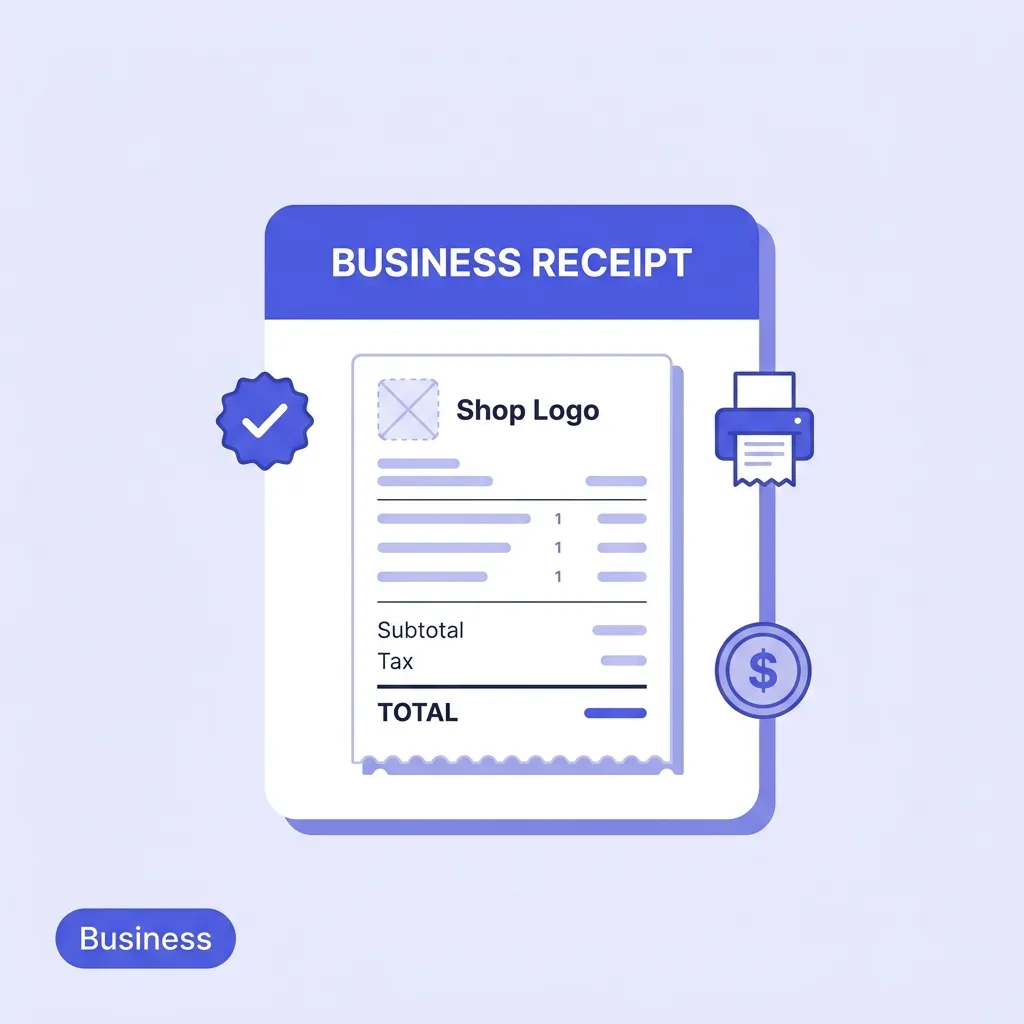
To be considered valid by national tax authorities and professional enough for your customers, a business receipt must contain specific information. A piece of paper that just says "Paid $50" is not a legally compliant receipt.
Here is what you must include:
1. The Title "Receipt"
The document must be clearly labeled as a "Receipt" or "Payment Receipt" at the top to avoid confusion with other documents.
2. Your Complete Business Information
Your customer needs to know exactly who they paid. Include:
Your registered business name
Your business address
Contact information (phone, email, website)
Your tax registration number (such as a VAT, GST, or local tax ID) if applicable in your jurisdiction.
3. A Unique Receipt Number
Every receipt must have a unique, sequential tracking number (e.g., REC-00104). This prevents duplicate accounting entries and makes it easy to look up a transaction if a customer requests a refund later.
4. Date of Transaction
Record the exact date the payment was received. This is crucial for tax reporting, as revenue must be recorded in the correct financial quarter or year.
5. Detailed Description of Goods or Services
Avoid vague descriptions like "Consulting" or "Supplies." Provide a clear line-item breakdown:
Quantity sold
Specific item names or descriptions of services rendered
Unit price of each item
Line total (Quantity × Unit Price)
6. Subtotal, Taxes, and Total Amount
The math on your receipt must be clear and transparent:
Subtotal: The cost before taxes.
Taxes: The specific tax rate and amount applied (this is legally required in most jurisdictions if you are registered to collect sales tax).
Total Amount: The final amount the customer paid.
7. Payment Method
Specify how the customer paid—Cash, Check, Credit Card, or Bank Transfer. If they paid by card, it is standard practice to list the last four digits of the card used (e.g., "Paid via Visa ending in 4291").
Why You Should Stop Handwriting Receipts
Many small businesses start out using generic, carbon-copy receipt books purchased from an office supply store. While this is better than nothing, it introduces several risks as your business scales:
Human Error: Manually calculating taxes and totals invariably leads to mistakes. A miscalculated tax line means you might end up paying taxes out of your own pocket.
Poor Brand Image: A scribbled, hard-to-read paper receipt does not inspire confidence. Customers judge your business by the quality of your documentation.
Lost Records: Physical receipt books can be lost, damaged by water, or fade over time. Most tax authorities require you to keep financial records for up to 7 years.
Slow Checkout: Writing out a receipt by hand, calculating the tax, and tearing it out of a book slows down the transaction process and frustrates customers.
The Solution: A Free Digital Receipt Generator
The fastest and most accurate way to issue professional receipts is to use an automated digital tool.
Our Free Receipt Generator allows you to create polished, mathematically accurate receipts in seconds.
How to Create a Professional Receipt in 3 Steps:
Enter Your Details: Open the generator and input your business name, address, and logo. (If you use the same browser, these details can be saved for next time).
Add the Transaction Details: Enter the items sold, the quantities, and the prices. The tool will automatically calculate the line totals, subtotal, and apply your specified tax rate.
Download and Send: Click generate to create a clean, professional PDF receipt. You can instantly email this to your customer, or print it if they prefer a physical copy.
By automating the math and formatting, you eliminate errors and ensure your business always looks professional.
🧾
Free Receipt Generator
Enter your business details, add line items, download a clean PDF. No account required and no watermarks.
Use Sequential Numbering: Never repeat a receipt number. If you use an automated generator, ensure your numbers always follow a logical sequence.
Keep Digital Backups: If you generate PDF receipts, save them in a dedicated folder on your computer (e.g., 2026/Receipts/May/) and back that folder up to the cloud. This makes tax preparation vastly easier.
Be Clear on Your Return Policy: If you have a specific return or refund policy, the receipt is the best place to state it. Adding a simple note like "Returns accepted within 14 days with original receipt" sets clear expectations.
Match Invoices to Receipts: If a customer is paying an invoice you previously sent, make sure the receipt references the original Invoice Number (e.g., "Payment received for Invoice #INV-204").
Professionalize Your Payment Process Today
Issuing a receipt should be the easiest part of the transaction, not a manual chore that slows you down.
By utilizing modern, digital tools, you can ensure your business remains compliant, your math is always accurate, and your customers leave with a positive, professional impression of your brand.
Ready to create your next receipt? Head over to our Free Receipt Generator and generate a polished PDF in less than a minute.
A professional receipt is clean, branded with your company logo, clearly outlines the transaction details (date, items, total, payment method), and includes a polite 'Thank you' note.
Do I need a signature on a receipt?
No, physical signatures are generally not required on standard payment receipts, unless it is a specialized cash receipt for a very large transaction or required by a specific contract.
Can I issue an electronic receipt instead of a paper one?
Yes, electronic receipts (e-receipts) sent via email or text message are legally valid and often preferred by modern customers for ease of record-keeping.
What happens if I make a mistake on a receipt?
If you make an error on a receipt, do not alter it. Instead, void the original receipt and issue a completely new, corrected receipt with a new receipt number.
Is a receipt the same as a proof of purchase?
Yes, a receipt serves as legal proof of purchase. It is required for returns, warranties, and expense reimbursements.
#free business receipt template#business receipt#receipt template#how to write a receipt#professional receipt