The Ultimate Free Sales Order Generator Online: Create Professional PDFs Instantly
Generate branded, professional sales order PDFs online for free. Add line items, calculate taxes, and confirm customer purchases without signing up.
BT
Bizcalc Team
·March 26, 2026
Quick Answer & Key Summary
Quick Answer: A sales order generator creates confirmation documents issued by sellers to buyers upon receipt of an approved purchase order, confirming product availability, ship dates, and committed fulfillment quantities.
• Key Formula / Standard:Sales Order Total = Confirmed Units × Contracted Unit Price + Freight Handling + Tax • Rule of Thumb / Benchmark: Issue sales order confirmations within 24 hours of PO receipt to prevent order cancellation from anxious clients.
In B2B commerce and wholesale logistics, the window between a customer saying "yes" and that commitment being locked in a formal document is where deals fall apart. Prices get misremembered. Quantities get disputed. Delivery dates get pushed back with no written record to refer to.
A sales order is the document that closes that window. It formally captures the agreed terms — what was ordered, at what price, in what quantity, to be delivered when and where — and triggers the fulfillment process. Yet most small businesses are still generating these documents in Word templates or fragile Excel spreadsheets, both of which introduce risks that grow more serious as order volumes increase.
If you are wondering how to generate sales order for free online without investing in expensive inventory management software, this guide covers everything: what a sales order is, how it fits into the broader order-to-cash process, what a great free sales order generator should include, and a step-by-step walkthrough of our tool.
📦
Free Sales Order Generator
Create professional sales orders with per-line fulfillment status, backorder flagging, and instant PDF download.
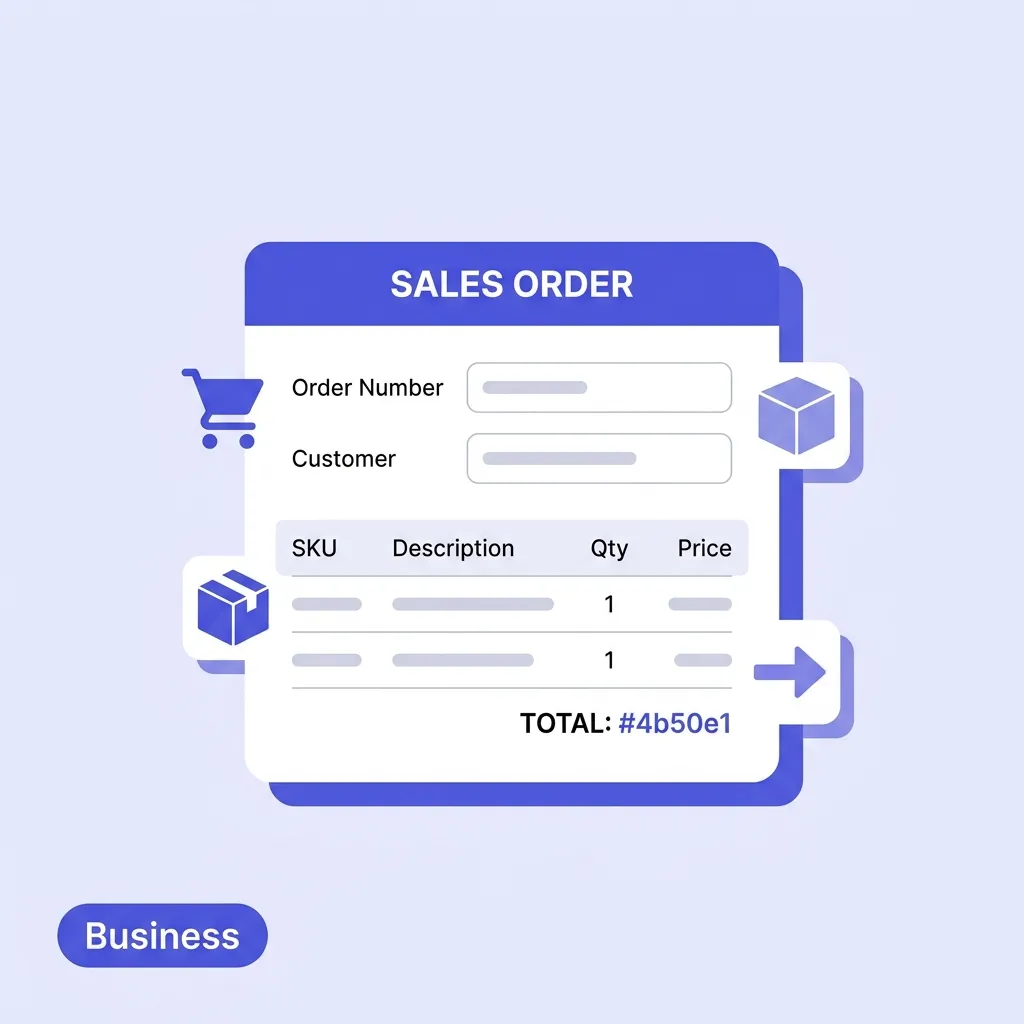
A sales order (SO) is a confirmed order document issued by a seller in response to a buyer's purchase commitment. It is an internal and external record that authorises the warehouse, production, or service delivery team to begin fulfilling the buyer's request.
Unlike a quote — which is a proposal that the buyer may or may not accept — a sales order is generated after the buyer has committed. It carries legal weight as a record of the agreed transaction and forms the paper trail that connects the initial sale to eventual payment.
The Order-to-Cash Cycle
Understanding where a sales order sits in the broader business process clarifies why it is so important:
Stage
Document
Purpose
1. Pricing
Quote
Propose prices and scope to the buyer
2. Commitment
Sales Order
Confirm the agreed order and authorise fulfillment
3. Shipment
Packing Slip
Verify what is physically included in the shipment
4. Payment
Invoice
Request payment for goods delivered
Skipping the sales order stage — jumping straight from quote to invoice — is common among small businesses and almost always causes problems. Without an SO, there is no formal record of what was agreed before fulfillment began. Disputes over quantities, pricing, or delivery terms become very difficult to resolve without that middle document.
Sales Order vs Purchase Order — What's the Difference?
A sales order and a purchase order are two sides of the same transaction:
A purchase order is issued by the buyer to the seller, authorising them to proceed with the sale
A sales order is issued by the seller in response, confirming the transaction from their side
In practice, many B2B transactions involve both documents for the same order — the buyer generates a PO to authorise the purchase internally, and the seller generates an SO to confirm the order and trigger fulfillment.
Why Manual Templates Fail Growing Businesses
A quick search for a sales order generator free download returns dozens of Word documents and Excel spreadsheets. These templates work for the occasional order, but they quickly become a liability as sales volume grows.
Formula Errors Compound Silently
Excel templates rely on formulas that break at the worst possible moments. A single accidental keystroke in a formula cell can produce incorrect subtotals without any warning — resulting in under-billing customers, charging the wrong tax rate, or calculating incorrect margin on large orders. The problem is that these errors are often discovered weeks later, long after the order has shipped and the invoice has been sent.
Formatting Breaks After Every Edit
Word documents become impossible to maintain after a few rounds of editing. Adding a new line item shifts everything below it. A long product description wraps awkwardly and pushes content to a second page. The logo drifts off-centre. Fixing these issues takes longer than creating the document in the first place, and the results still look unprofessional.
No Fulfillment Status Tracking
A sales order is not just a confirmation document — it is also a fulfillment tracking tool. As items are picked, shipped, and delivered, the SO should reflect the current status of each line: Pending, Shipped, or Delivered. Word and Excel templates have no mechanism for this. Each status change requires manual editing and re-sending the document.
Backordered Items Need Flagging
In wholesale and manufacturing environments, it is common for some items in an order to be in stock while others are awaited from a supplier. These backorder situations need to be clearly flagged on the SO so the buyer knows what to expect and when. Manual templates have no structured way to handle this.
No Audit Trail for Disputes
When a buyer disputes a delivery — claiming they received the wrong quantity or the wrong product — a properly structured sales order is your first line of defence. If your SO was a loosely managed Word document that was edited multiple times, it is far less credible as a dispute resolution document than a formally generated, date-stamped PDF.
What a Professional Free Sales Order Generator Should Include
When evaluating a free sale order generator online, most tools offer basic line item entry and PDF export. But a sales order that actually supports real B2B operations needs several additional capabilities.
Fulfillment Status Per Line Item
The single most important feature that distinguishes a serious sales order generator from a basic template is per-line fulfillment status tracking. Each line item should support a status of:
Pending — order placed, not yet fulfilled (amber)
Shipped — goods dispatched but not yet confirmed received (blue)
Delivered — receipt confirmed by the buyer (green)
These statuses should render as clearly visible, colour-coded indicators on the PDF, so both your warehouse team and your customer can read the fulfillment state at a glance.
Backorder Flagging
When items are unavailable for immediate fulfillment, they should be marked as backordered directly on the sales order. A "Backorder" badge per line item communicates to the buyer that a partial shipment is being made, and the remaining items will follow. This prevents the buyer from assuming the entire order has been cancelled or lost, and protects you from disputes when a partial delivery arrives.
Ship Date Field
Every sales order should have a confirmed or estimated ship date. This is the date your team commits to dispatching the goods. Including it on the SO creates a contractual expectation and helps the buyer plan receiving operations, book storage space, or coordinate downstream logistics.
Unit of Measure Column
In B2B and wholesale trade, the unit of measure is critical to avoid fulfillment errors. If you sell timber by the metre, concrete mix by the tonne, fabric by the roll, or bottled goods by the dozen, the SO must reflect this precisely. Our free sales order generator includes a unit of measure column per line item — covering pcs, kg, boxes, litres, hours, sqm, and custom entries.
Delivery Address Field
The billing address and the delivery address are often different in B2B transactions. Goods might be billed to a head office but delivered to a warehouse, construction site, or retail location. The SO should capture both addresses separately, and the delivery address should be prominently displayed for the warehouse team who physically prints the document for picking and dispatch.
Auto-Calculating Financials
While a packing slip omits pricing entirely, a sales order typically includes the agreed pricing for internal cost tracking and invoice matching. Subtotals, tax, shipping, and discounts should all calculate automatically as line items are entered — no formulas to maintain, no opportunity for arithmetic errors.
No Account Required
The best free sales order generator online tools require no sign-up, no subscription, and no login. Your business data — customer details, pricing, product lists — should not be uploaded to a third-party server every time you confirm an order. Our generator stores everything locally in your browser's IndexedDB, which means your data never leaves your device.
Instant Watermark-Free PDF Export
Click one button and receive a clean, professionally formatted PDF. No watermarks. No "trial version" banners. No upgrade prompts. A document you can confidently send to your buyer or hand to your warehouse the moment it is generated.
How to Generate a Sales Order for Free Online — Step by Step
Using our free sales order generator takes under three minutes from opening the tool to downloading a completed PDF. Here is the full process:
📦
Free Sales Order Generator
Per-item fulfillment tracking, backorder flags, ship date, and unit of measure. No account required.
Open the document settings sidebar and complete your company profile:
Upload your business logo
Select your brand accent colour
Choose your currency
Enter your company name, email, and address
These settings are saved locally and persist between sessions — you only need to configure them once.
Step 2: Enter Customer and Delivery Details
In the "Bill To" section, enter the customer's name, company, and billing address. If the delivery address differs from the billing address, enter it in the dedicated Delivery Address field below. This is the address that will appear on the fulfillment copy sent to your warehouse.
Step 3: Set the Order Metadata
Fill in the order-level fields in the document header:
SO Number — auto-generated (e.g. SO-2026-001), or override to match your numbering system
Order Date — defaults to today
Ship Date — the confirmed or estimated dispatch date
Payment Terms — Net 30, Net 15, COD, Due on Receipt, etc.
Step 4: Add Line Items with Fulfillment Status
Click "+ New Line Item" for each product being ordered. For each row:
Enter the product description
Set the quantity
Select the unit of measure (pcs, boxes, kg, litres, etc.)
Enter the agreed unit price
Set the line status: Pending, Shipped, or Delivered
Tick Backorder if the item is not immediately available
Totals update automatically as you fill in each row.
Step 5: Apply Tax, Shipping, and Discounts
Use the toggle buttons below the line items table to enable:
Tax — enter as a percentage (e.g. 20% VAT) or fixed amount
Shipping — add freight, handling, or courier costs
Discount — apply an order-level discount as a percentage or fixed value
Step 6: Add Payment Terms and Notes
Use the Notes section for any special delivery instructions, handling requirements, or references to existing contracts. Use the Terms section for payment terms that should appear on the document — "Payment due within 30 days of delivery" as standard.
Step 7: Download and Distribute
Click "Download PDF" for your completed sales order generator PDF. The finished document typically goes to two places:
The customer — as an official order confirmation with your branding
Your warehouse or fulfillment team — as the picking document that drives dispatch
Real-World Use Cases for Sales Orders
Wholesale Distribution
A food wholesaler takes an order from a restaurant group covering 12 different product lines in varying quantities, some measured by the case and others by the kilogram. A formal SO with per-unit pricing, unit of measure, and a ship date confirms the order before any picking begins — and provides the paper trail for invoice matching when the delivery is made three days later.
Manufacturing to Order
A custom furniture maker receives an order for 40 chairs to be delivered across two shipments. The SO captures the full order, marks 20 chairs as "Shipped" in the first dispatch, and flags the remaining 20 as "Backorder" until production completes. The buyer can see the exact fulfillment state at any time without needing to call to chase an update.
Services and Professional Work
A recruitment agency confirms a fixed-price talent acquisition project. The SO captures the agreed scope, fee, and timeline — providing both parties with a signed-off confirmation before work begins. When the invoice arrives 30 days later, the SO is the reference document for payment approval.
B2B Ecommerce
An online wholesale platform processes hundreds of orders per week. Each order generates a sales order that flows from the buyer's checkout into the warehouse picking queue. Per-item fulfillment statuses update as picks are completed, and the SO PDF is automatically emailed to the buyer as their order confirmation.
Frequently Asked Questions
Is a sales order legally binding?
Yes — a sales order, once issued and implicitly or explicitly accepted by the buyer, forms part of the contractual record of the transaction. It is not typically the primary contract (that role belongs to any signed agreement or accepted purchase order), but it is a material document for resolving fulfillment disputes.
Do I need both a sales order and an invoice?
Yes. A sales order confirms what will be delivered. An invoice requests payment after delivery. They serve different purposes, and having both provides a complete paper trail: the buyer can match the invoice against the SO to verify that only what was ordered — and delivered — is being billed.
What happens to a sales order if only some items are available?
Use the fulfillment status and backorder features. Mark available items as "Shipped" when dispatched and flag unavailable items as "Backorder." Issue the invoice only for the delivered items. When the backorder ships, update the SO and issue a second invoice for the balance.
Can I convert a sales order to an invoice?
Our platform allows you to use the same customer and item data across multiple document types. Use our free invoice generator alongside the SO, copying the relevant delivered items to the invoice once fulfillment is confirmed.
What is the difference between a sales order and a packing slip?
A sales order includes pricing and is a financial/contractual document. A packing slip intentionally omits pricing and is purely a physical fulfillment document included inside or on the outside of a shipped package. Both can be generated from the same Bizcalc platform — use our packing slip generator alongside the SO for a complete fulfillment workflow.
How do I number my sales orders?
Best practice is a year-based sequential format such as SO-2026-001, SO-2026-002, and so on. Our generator auto-increments from your last SO number. Consistent numbering is essential for matching SOs against invoices in your accounting records.
Streamline Your Order Fulfillment Today
A sales order is more than a confirmation email — it is the foundation of a controlled, traceable, dispute-proof fulfillment process. Every unconfirmed order is a potential argument waiting to happen: over the quantity, the price, the delivery date, or what was actually agreed.
Our free sales order generator online gives your business everything it needs to confirm orders professionally from day one — per-line fulfillment tracking, backorder flagging, unit of measure, ship date, auto-calculating financials, and instant watermark-free PDF export. No account. No subscription. No server upload.
A sales order generator is a digital tool that allows businesses to quickly create, format, and download official sales order documents to confirm customer purchases.
Why do I need a sales order?
A sales order confirms the details of a purchase with the customer, helps your warehouse or fulfillment team know what to pack, and acts as an internal record for inventory management.
Is a sales order the same as an invoice?
No. A sales order is an internal document confirming the sale and initiating fulfillment. An invoice is the bill sent to the customer requesting payment.
What happens after a sales order is created?
After creation, the sales order is typically sent to the inventory or fulfillment team to pick and pack the items. Once shipped, an invoice is generated.
Can a customer cancel a sales order?
Yes, customers can usually cancel a sales order before the items are shipped or the service is rendered, depending on your company's cancellation policy.