The Best Free Online Purchase Order Generator for Small Businesses
Create and download professional purchase order PDFs in seconds. Streamline business procurement with our free, no-login online PO generator.
BT
Bizcalc Team
·April 5, 2026
Quick Answer & Key Summary
Quick Answer: A purchase order (PO) generator creates formal commercial contract requests from buyers to suppliers, locking in agreed unit prices, quantities, and payment terms before orders are produced or shipped.
• Key Formula / Standard:Total PO Value = Sum(Itemized Quantities × Agreed Unit Prices) + Shipping Terms • Rule of Thumb / Benchmark: Enforce PO generation for all external vendor procurement exceeding $500 to prevent unauthorized team expenses.
Managing procurement shouldn't be the hardest part of running your business. Whether you are ordering raw materials for manufacturing, stocking up on retail inventory, or restocking office supplies, having a structured purchasing process is essential for controlling costs and building reliable supplier relationships.
Yet for many small business owners, the purchase order process is still driven by a patchwork of Word documents, downloaded Excel templates, and emailed spreadsheets — all of which are error-prone, time-consuming, and difficult to track. That is exactly why thousands of entrepreneurs are switching to a dedicated purchase order generator to streamline their procurement workflow.
In this guide, we will break down exactly what a purchase order is, when you need one, what to include in it, and how our free purchase order generator makes the entire process fast, professional, and completely private.
🏢
Free Purchase Order Generator
Create professional POs with vendor address book, budget codes, and approval fields. Instant PDF, no account required.
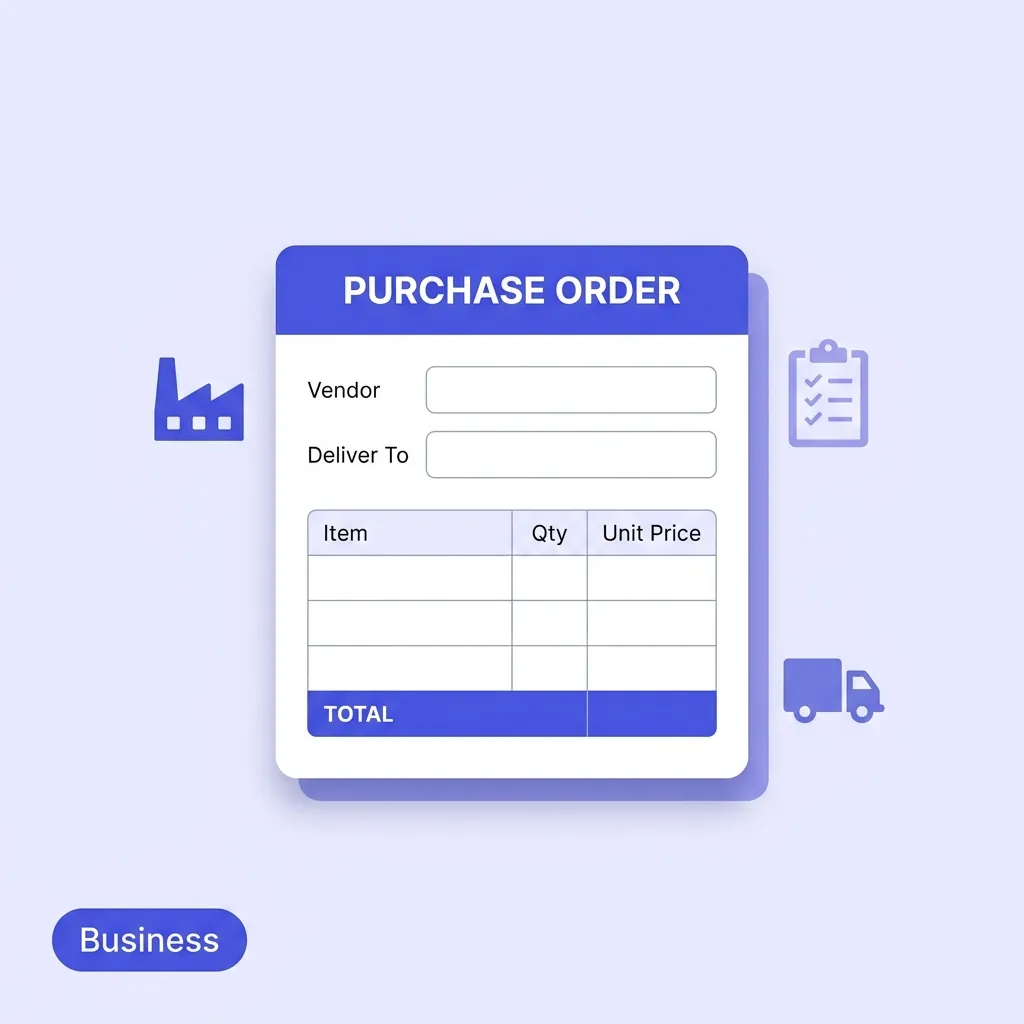
A purchase order (PO) is a legally binding commercial document issued by a buyer to a supplier that formally authorises the purchase of specific goods or services at an agreed price. Once a supplier accepts the PO — either explicitly or by beginning to fulfil the order — it constitutes a binding contract between the two parties.
For small businesses, purchase orders serve several critical functions:
Financial control: POs prevent unauthorised spending by requiring all purchases to be formally documented and approved before any money changes hands.
Dispute prevention: If a supplier delivers the wrong items or invoices an incorrect amount, the PO is the legal reference document that resolves the discrepancy.
Audit trail: Finance teams and external auditors rely on POs to verify that all business expenditures were properly authorised and matched against supplier invoices.
Inventory planning: POs help warehouse and operations teams track incoming goods and plan storage accordingly.
Cash flow management: Because POs capture payment terms and delivery dates upfront, they allow businesses to forecast outgoing payments accurately.
Purchase Order vs Invoice — What's the Difference?
This is one of the most commonly confused document pairs in business finance. Here is the key distinction:
Purchase Order
Supplier Invoice
Issued by
The buyer
The supplier
When
Before goods ship
After goods ship
Purpose
Authorise the purchase
Request payment
Legally binding
Yes (once accepted)
Yes
A purchase order initiates the transaction. An invoice closes it. In a well-run procurement process, every supplier invoice should be matched against a corresponding PO before payment is approved — this is called the three-way match (PO → Delivery receipt → Invoice).
The Problem with Manual Purchase Order Templates
Most small businesses start their procurement process with one of two approaches: a Microsoft Word template they downloaded years ago, or an Excel spreadsheet with manually entered formulas. Both approaches have serious drawbacks that grow worse as the business scales.
Formula errors compound. Excel is powerful but fragile. A single accidental keystroke in a formula cell can silently corrupt totals — resulting in POs sent to suppliers with incorrect amounts. Catching these errors after the fact wastes time and erodes supplier trust.
Templates look unprofessional. A misaligned table, inconsistent font, or missing field on a PO tells your supplier that your business lacks standardised processes. This can affect the terms you're offered and how seriously suppliers treat your orders.
There's no vendor database. Every time you reorder from the same supplier, you're manually re-entering their name, address, and bank reference from memory or a contact list. This is both time-consuming and a significant source of errors.
Approval workflows are invisible. Most templates have no way to record who approved the purchase, what budget code it belongs to, or what the spending limit was. This creates compliance headaches for any business with more than one person authorising purchases.
Tracking is manual. Without a dedicated tool, matching outstanding POs against received goods and supplier invoices requires a separate spreadsheet — yet another maintenance burden.
A dedicated online purchase order generator solves all of these problems by automating calculations, standardising layout, and centralising your vendor information.
What to Include in a Professional Purchase Order
Before we look at the tool itself, it is worth understanding what every well-formed purchase order should contain. If you are currently using a template that is missing any of these fields, your procurement process has a gap.
Essential PO Fields
1. Purchase Order Number
A unique identifier (e.g. PO-2026-042) that is used to track the order through your system and match it against the supplier's invoice. Auto-incrementing from your last PO number is best practice.
2. Date Issued
The date the PO was created. This is the starting point for any payment terms (e.g. Net 30 starts from invoice date, not PO date, but the PO date establishes the ordering timeline).
3. Buyer Details
Your company name, address, and contact information. This identifies who is placing the order and where the documentation should be directed.
4. Vendor / Supplier Details
The supplier's full legal business name, address, and contact details. Errors here can cause invoices to be sent to the wrong entity and delay processing.
5. Delivery Address
Where the goods should be physically delivered — this may differ from your billing address. For businesses with multiple locations or warehouses, this field is especially important.
6. Need-By Date
The date by which you require the goods or services. Communicating this clearly in the PO avoids ambiguity and creates a contractual delivery deadline.
7. Line Items
Each line should include: item description, quantity, unit of measure (pcs, kg, boxes, hours, etc.), and agreed unit price. The subtotal per line and the overall total should calculate automatically.
8. Payment Terms
The agreed payment schedule — Net 30, Net 15, Due on Receipt, 2/10 Net 30 (2% discount if paid within 10 days), etc. This sets expectations and drives your accounts payable planning.
9. Approved By
The name and/or signature of the internal person who authorised this purchase. This is a standard internal controls requirement for any business with spending approval policies.
10. Budget Code / Cost Centre
An internal accounting code that attributes this expenditure to the correct department, project, or budget line. Essential for management reporting and departmental budget tracking.
11. Vendor Reference Number
The supplier's internal product catalog number or reference ID. Including this prevents confusion when dealing with large suppliers who handle thousands of SKUs.
12. Notes and Special Instructions
Any additional delivery instructions, quality specifications, or packaging requirements. This is where you capture the specifics that fall outside the line items.
Key Features of Our Free Purchase Order Generator
When searching for a purchase order generator app, you will encounter two types of tools: feature-locked "freemium" platforms where the most useful functions sit behind a paywall, and overly simplistic tools that produce generic, unbranded documents.
Our free online purchase order generator was built to fill the gap — giving small businesses all the features of premium procurement software, completely free, with no account required.
Vendor Address Book
One of the most time-saving features of our purchase order generator software is the built-in vendor address book. The first time you enter a supplier's name, email, and address, click the "+ Save Vendor" button. From that point forward, every time you create a new PO, simply select the supplier from the dropdown menu — all their details populate instantly.
This is particularly valuable for businesses that reorder from the same 5–10 suppliers repeatedly. What used to be 2 minutes of manual re-entry becomes a 2-second dropdown selection.
Advanced Procurement Meta Fields
Most free templates only capture the basics. Our purchase order generator free tool includes a full set of procurement-grade meta fields:
Vendor Reference — your supplier's catalog ID or internal reference
Need-By Date — the required delivery date
Payment Terms — Net 30, Net 15, COD, Due on Receipt
Approved By — the internal authoriser for the purchase
Budget Code / Cost Centre — department or project allocation code
Delivery Address — separate from billing, for multi-site businesses
These fields are the difference between a document that works in a real business environment and one that falls short the moment a finance team or auditor gets involved.
Dynamic Line Item Table
The line items table calculates automatically as you type. Add as many rows as you need with a single click. Each row captures description, quantity, unit of measure, and unit price — and the row total updates instantly. The PO subtotal, tax, discount, and shipping fields all recalculate in real time.
Brand Customisation
Your PO should look like it came from your business, not a generic template. Upload your company logo, select your brand colour, and choose your preferred currency from 17 options including USD, EUR, GBP, NGN, INR, AED, and more. The document preview updates live so you can see exactly how the PDF will look before downloading.
100% Private — No Server, No Account
Every other free purchase order generator online that requires you to sign up is collecting your business data — your supplier names, order volumes, pricing, and spending patterns. Our generator stores everything locally in your browser's IndexedDB. Nothing ever leaves your device. Your procurement data stays completely private.
Watermark-Free Instant PDF Export
Click "Download PDF" and receive a clean, professionally formatted PDF in seconds. No watermarks. No upgrade prompts. No email verification. The document is ready to attach to an email and send to your supplier immediately.
How to Use the Purchase Order Generator Free of Charge
Creating a professional, complete purchase order takes under three minutes. Here is the full step-by-step process:
🏢
Free Purchase Order Generator
Generate professional, audit-ready purchase orders with dynamic line items, tax, discount, and shipping fields.
Open the sidebar settings panel and configure your company profile:
Upload your business logo (PNG or JPG)
Choose your brand accent colour
Select your preferred currency
Enter your company name, email, and billing address
You only need to do this once — the settings persist locally between sessions.
Step 2: Add Your Vendor
In the "Vendor / Bill To" section, enter your supplier's details. If you have saved this vendor before, click the vendor dropdown to select them instantly. If it is a new supplier, enter their name, email, and address, then click "+ Save Vendor" to add them to your local address book for future use.
Step 3: Fill In the PO Meta Information
Use the meta fields on the right side of the document header to complete the PO details:
PO Number — auto-generated, or customise to fit your numbering convention
Date — defaults to today
Vendor Reference — supplier's catalog or account number
Need-By Date — required delivery date
Payment Terms — choose from a dropdown (Net 30, Net 15, COD, etc.)
Approved By — the internal authoriser
Budget Code — your department or cost centre code
Step 4: Add Your Line Items
Click "+ New Line Item" for each product or service being ordered. For each row, enter:
A clear item description
Quantity required
Unit of measure (pcs, boxes, kg, litres, hours, etc.)
Agreed unit price
The row total and PO subtotal update automatically with every keystroke.
Step 5: Apply Tax, Discount, and Shipping (If Applicable)
Use the toggle buttons below the line items table to enable optional calculation fields:
Tax — enter as a percentage or fixed amount
Discount — apply to the subtotal as a percentage or fixed value
Shipping — add freight or delivery costs
Step 6: Add Delivery Instructions and Terms
Scroll to the Notes section to add any special delivery instructions, quality requirements, or terms and conditions. This is also where you can reference any existing commercial agreements or framework contracts.
Step 7: Download and Send
Review your completed PO in the live preview panel. When you're satisfied, click "Download PDF" to save a watermark-free, professionally formatted PDF. Attach it to an email to your supplier and you're done.
When Does a Small Business Actually Need Purchase Orders?
Many small businesses operate informally for years — placing orders by phone, email, or WhatsApp — and manage fine. But as your business grows, there are specific thresholds where moving to formal POs becomes essential:
When you hire your second employee. The moment someone other than the founder is authorising purchases, you need a documented approval trail. Without POs, it is impossible to know who bought what, when, and whether it was authorised.
When your monthly supplier spend exceeds $2,000–$5,000. At this level, even a single duplicate payment or incorrect invoice can cause a meaningful cash flow impact. POs give you the matching document to dispute incorrect charges.
When you start ordering inventory. If you hold physical stock, every incoming shipment should correspond to a PO so your team can verify what was ordered against what was actually received.
When you start working with multiple suppliers. Managing several vendor relationships without POs quickly becomes chaotic. Your accounts payable team will spend hours reconciling invoices without a PO reference.
When you apply for business finance. Banks and investors conducting due diligence on your business will want to see that your procurement is properly documented with POs. Informal purchasing is a red flag.
When you take on enterprise clients. Large corporate buyers often require their vendors to have documented procurement processes as part of supplier onboarding.
Frequently Asked Questions
Is a purchase order legally binding?
Yes — once a supplier accepts a PO (either explicitly by signing/confirming it, or implicitly by beginning to fulfil the order), it typically constitutes a legally binding contract in most jurisdictions. This gives both parties clear recourse if the other fails to meet the agreed terms.
Do I need a purchase order for every purchase?
Most businesses set a minimum threshold — for example, requiring formal POs only for purchases over $500 or €500. Smaller, routine purchases (office supplies, coffee, postage) are often handled via petty cash or a company card. Your policy should reflect your business's size and risk tolerance.
What is the difference between a purchase order and a purchase requisition?
A purchase requisition is an internal request from an employee or department to authorise a purchase — it is not sent to suppliers. A purchase order is the external document sent to the supplier once the requisition has been internally approved.
Can I use the same tool to generate invoices?
Yes — our platform includes a full suite of document generators. Once goods are received, use our free invoice generator to request payment. For the full procurement cycle, use the sales order generator after a quote is accepted.
How do I number my purchase orders?
Best practice is to use a sequential, year-based format such as PO-2026-001, PO-2026-002, etc. Our generator auto-increments from your last PO number, ensuring you never have a gap or duplication in your PO log.
Take Control of Your Procurement Today
Purchase orders are not just paperwork — they are the foundation of a financially controlled, professionally run business. Every uncontrolled purchase is a potential duplicate payment, a missed budget, or an unresolved supplier dispute waiting to happen.
Stop fighting with broken spreadsheet formulas and re-typing vendor details from memory. Our purchase order generator free tool gives you everything you need to run a professional purchasing process from day one — vendor address book, budget codes, approval fields, instant PDF export, and 100% local privacy.
With the right tools in place, you can order with clarity, pay with confidence, and build supplier relationships that support your business for years to come.
📦
Free Sales Order Generator
Once your supplier confirms the order, generate a professional sales order to document the transaction from the seller's side.
A purchase order generator is a digital tool that allows buyers to easily create and format official requests for goods or services to send to their suppliers.
Why do businesses use purchase orders?
Purchase orders (POs) help businesses track what they've ordered, prevent duplicate orders, control spending, and provide legal protection by formalizing the terms of a purchase.
What is the difference between a purchase order and an invoice?
The buyer sends a purchase order to request goods. The seller sends an invoice to request payment for those goods after they have been delivered.
Is a purchase order a legally binding contract?
Yes, once a supplier accepts a purchase order, it becomes a legally binding contract between the buyer and the seller.
What information must be on a purchase order?
A PO must include a unique PO number, the buyer and seller details, the date, a list of items with quantities and agreed prices, and the delivery location.
#procurement#inventory management#b2b business#purchase order